One video, one look
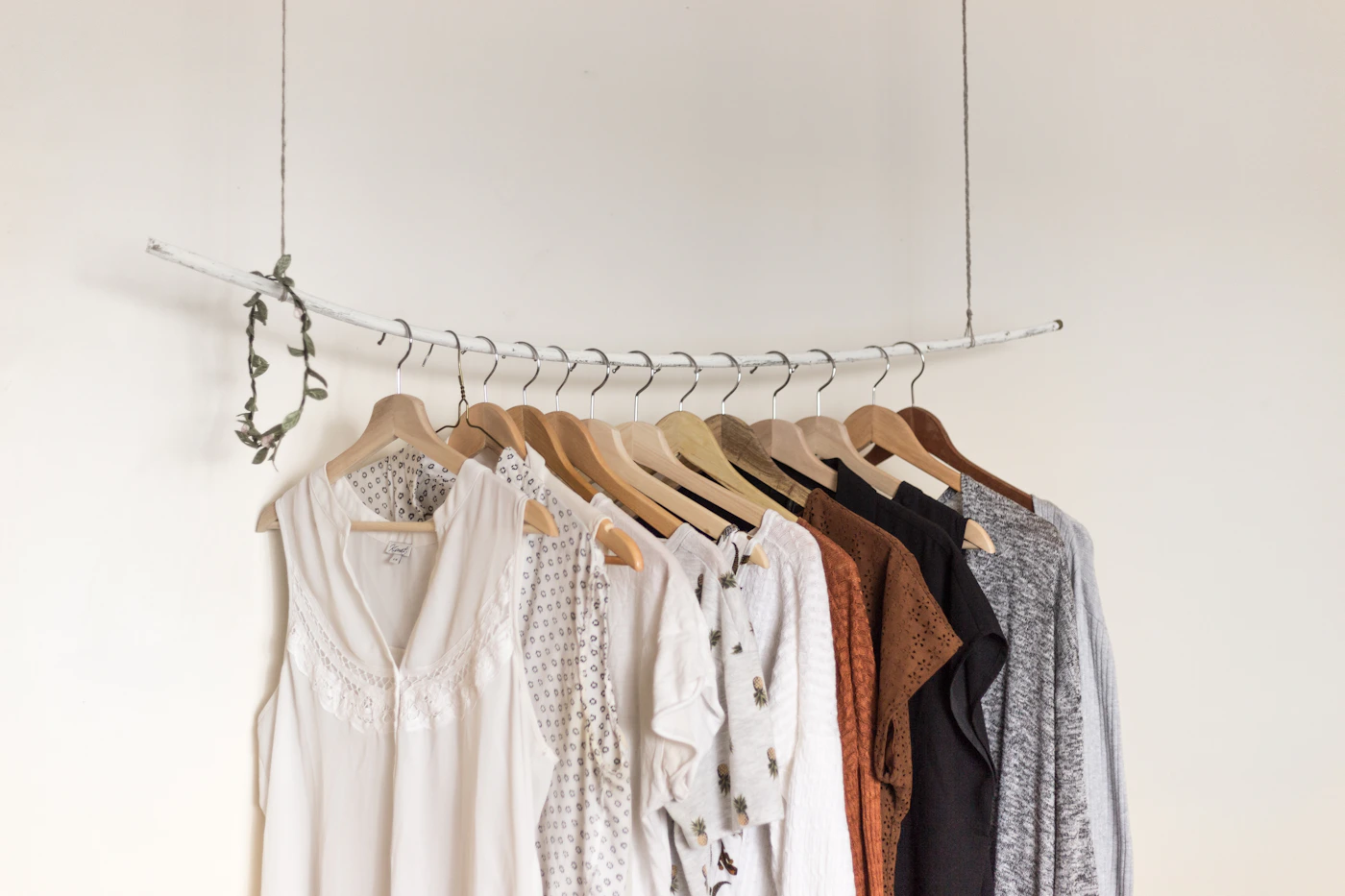
Each GRWM, outfit-of-the-day, or tutorial clip becomes its own look on Tapixy, shown next to the products in it. Tag up to five items per look: the pieces that define the outfit or the products that create the result, not everything in the room. Viewers browsing your lookbook then see the finished result first and the items second.
Tag shades and sizes precisely
For cosmetics, put the shade name or number in the product title, such as ‘liquid foundation, shade 220 warm beige’, because the same product in the wrong shade is a return. For clothing, note the size you wore and how it fits in one sentence. Titles like these reduce returns, which also protects commissions that would otherwise be reversed.
Find the items in partner stores
Paste product links from Tapixy's partner stores, including fragrance and beauty retailers, apparel stores, and AliExpress, or use the editor's Find on button to open the store you chose. When the exact item is not available, add a close alternative and say how it differs: finish, undertone, fabric, or fit.
Organize the lookbook
Use collections such as ‘Everyday makeup’, ‘Workwear’, or ‘Wedding guest’ so viewers can browse by occasion. Shoppers can also filter by platform, so someone arriving from your Instagram Reels sees those looks first. Lead each look with the hero item, and keep older looks current by swapping discontinued products.
Disclose and keep trust
Say in the video and on the storefront that the links are affiliate links. Show products in natural light, avoid filters that change a shade's color, and mention when a product was gifted. Accurate shades and honest fit notes are what bring viewers back to a lookbook.
Quick checklist
- Put the shade or size in every product title.
- Tag only the items that create the look.
- Label alternatives with how they differ.
- Group looks into collections by occasion.