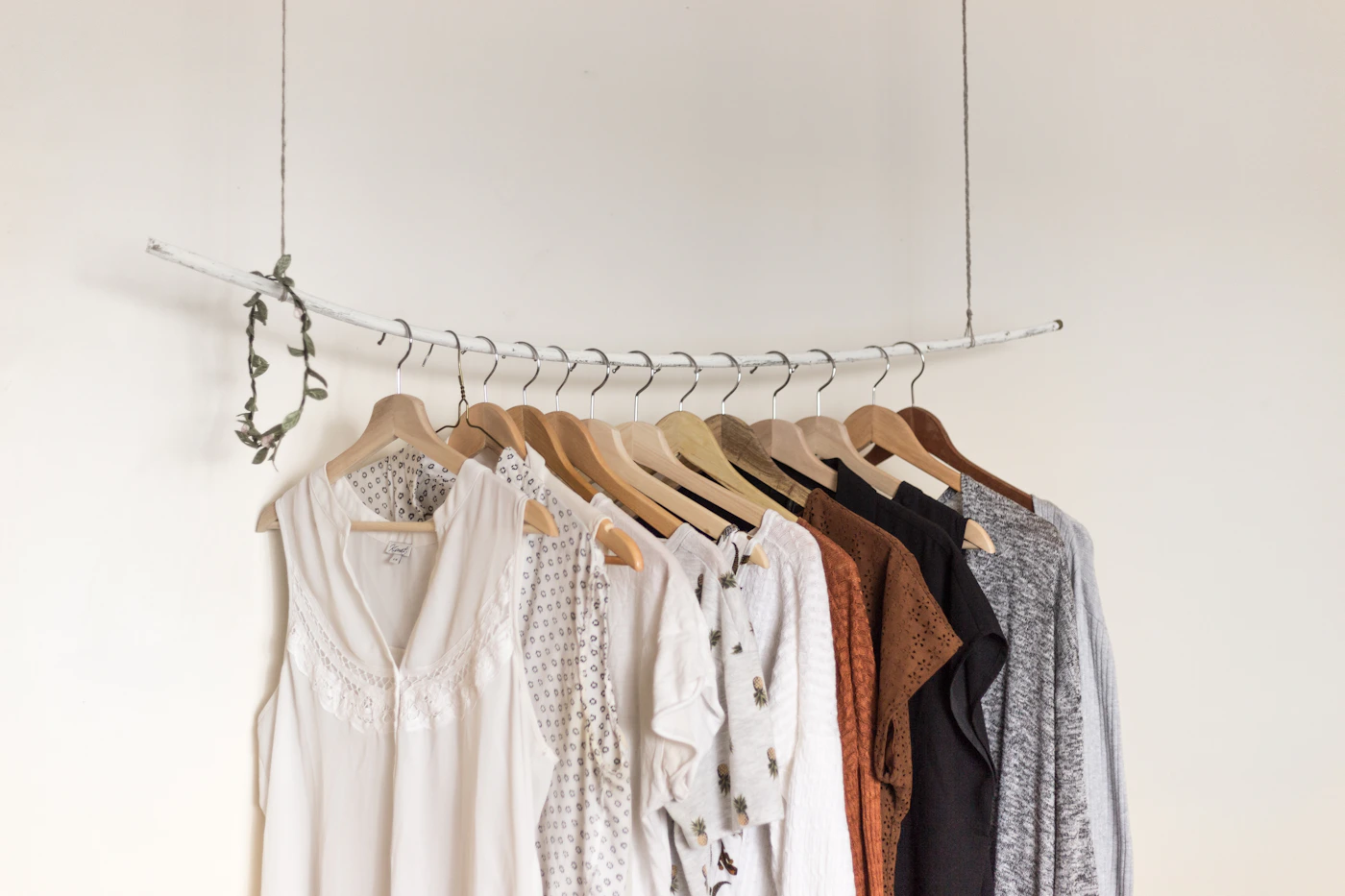
A storefront with a few looks is easy to browse. After a year of posting, the newest videos bury the ones people still ask about. Collections give older looks a permanent home and help visitors find what fits their season or situation.
Name collections after a need
Shoppers browse by situation more than by upload date. Names like 'Office layers,' 'Beach week,' or 'Winter skincare' tell a visitor what they will find. Keep the list short enough to scan on a phone, and order collections so the most relevant one for the current season comes first.
Rotate, don't delete
When a season ends, move its collection lower instead of removing it. Many shoppers plan ahead or look for last year's recommendations. Before re-promoting an older collection, check that each product link still works and label any replacements clearly.
Pair collections with promo codes thoughtfully
If a brand offer fits a collection, mention it there rather than across the whole shop. Keep the offer's expiry in your notes and remove it promptly when it ends, so shoppers never hit a code that no longer works.
Put the idea into practice
Build a home for the looks you share.
Organize video recommendations into a storefront with clear product links and creator attribution.